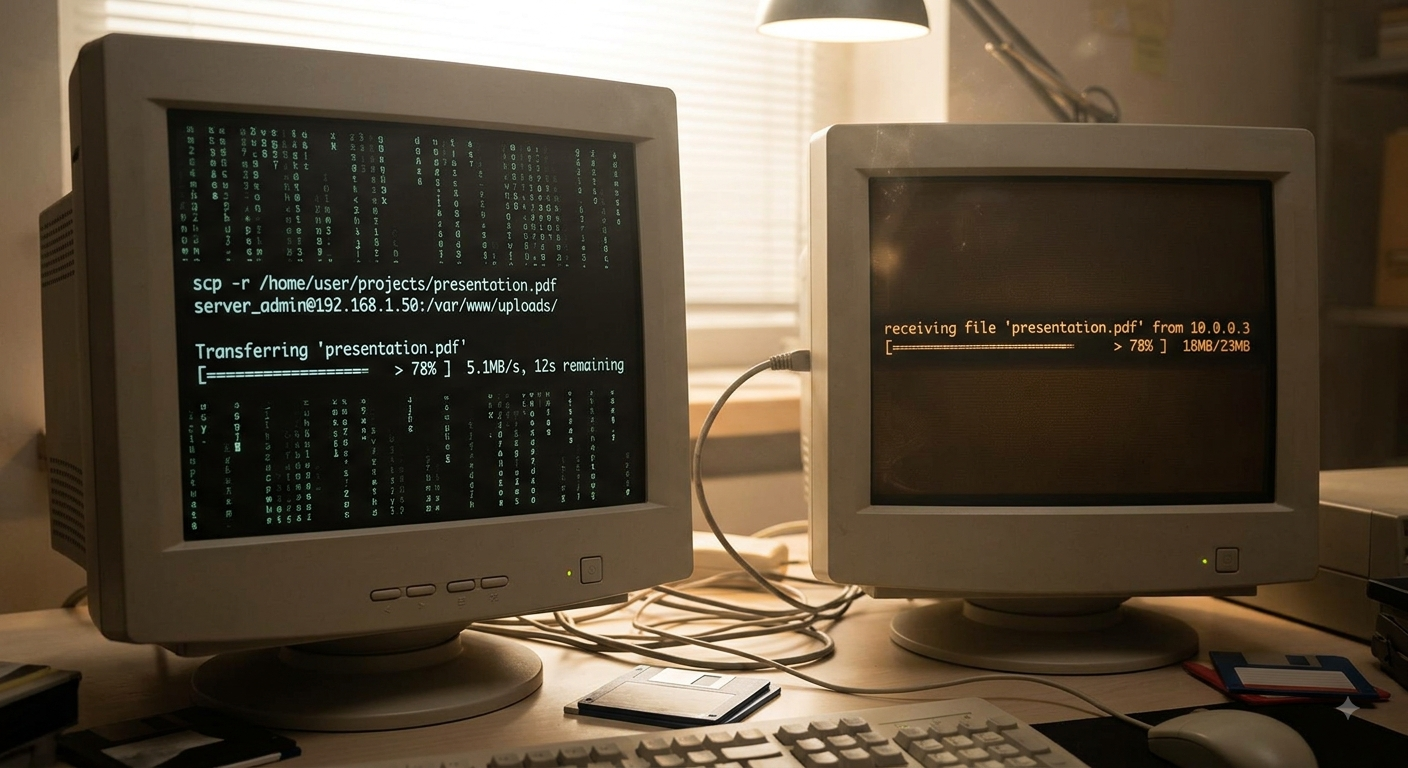
In the world of developers, productivity often relies on quick data transfer—pasting a configuration file snippet, sharing sensitive keys, or passing command outputs between machines. But as you get more connected and remote, relying solely on copy/paste or screen-sharing methods starts feeling unreliable and cumbersome.
Enter croc.
Croc is an elegant, simple, and robust command-line utility designed to let you securely share files, text, and even run commands across machines over a network (often via SSH). If your current method of sharing data feels flaky or insecure, croc is about to become your new favorite companion.
What Is croc?
At its heart, croc acts like a secure, temporary wormhole for digital information. It provides a minimal set of tools that allow you to send random blobs of data—from multi-gigabyte ZIP files to single lines of code—from your local machine to a remote collaborator or yourself later on.
It works by establishing a rendezvous point and securely transmitting the payload in its entirety, minimizing manual steps and maximizing reliability.
Basic Use Cases: Sending Data Made Simple
Using croc is often described as “magic,” but it’s built around incredibly simple commands:
1. Sharing Files
Need to send that log file or configuration dump you just created?
croc send /path/to/my_config.yaml

Sending '/path/to/my_config.yaml' (82.6 kB)
Code is: power-lore-genes-automobiles

On the other computer run:
(For Windows)
    croc power-lore-genes-automobiles
(For Linux/macOS)
    CROC_SECRET="power-lore-genes-automobiles" croc

Or receive in a browser:
    https://getcroc.com/?code=power-lore-genes-automobiles
The remote recipient simply runs (this is only an example as I’m on a mac):
CROC_SECRET="power-lore-genes-automobiles" crocThey will be prompted for the unique code, and the data will materialize right in their terminal. No emails needed, no FTP clients required—just pure, command-line magic.
2. Sharing Text Snippets (Clipboard Replacement)
This is perhaps its most celebrated feature. Instead of copying code to your clipboard only to paste it into a chat that might strip formatting, you send the content directly:
# On your machine:
croc --text "function helloWorld() { console.log('hi'); }"
3. Secure Command Execution (Bonus Power)
Beyond simple data transfer, croc can handle structured tasks, allowing one machine to trigger and receive the output of a specific command on another, all while maintaining an encrypted link.
Why Should You Use croc?
If you spend time in developer workflows, these benefits alone are worth its weight:
- Security First: Data is transmitted over an encrypted connection. For sensitive information (API keys, passwords, etc.), this layered security is a huge upgrade over standard chat logs or local file shares.
- Simplicity & Reliability: There is virtually no learning curve. The workflow is incredibly straightforward:
sendandreceive. It works reliably whether you’re on your home Wi-Fi or a coffee shop network. - Contextual Sharing: Unlike pasting into Slack (where context gets lost) or emailing (which requires management overhead), croc keeps the data transfer focused purely on the data.
- The Single Tool Solution: Instead of having to juggle SSH for file transfers, local clipboard managers, and cloud storage links, croc consolidates many basic developer needs into one powerful utility.
Get Started Today
If you work anywhere in the command line, giving croc a try is highly recommended. Give it a look at github.com/schollz/croc and experience data sharing that is secure, reliable, and delightfully simple.
Happy coding!
Comments are closed