
Advance setting for PiHole & Unbound to hide your web browsing from your ISP
In the digital age, our internet activity is tracked by countless entities—from the websites we visit to the networks that connect us. While some tracking[…]
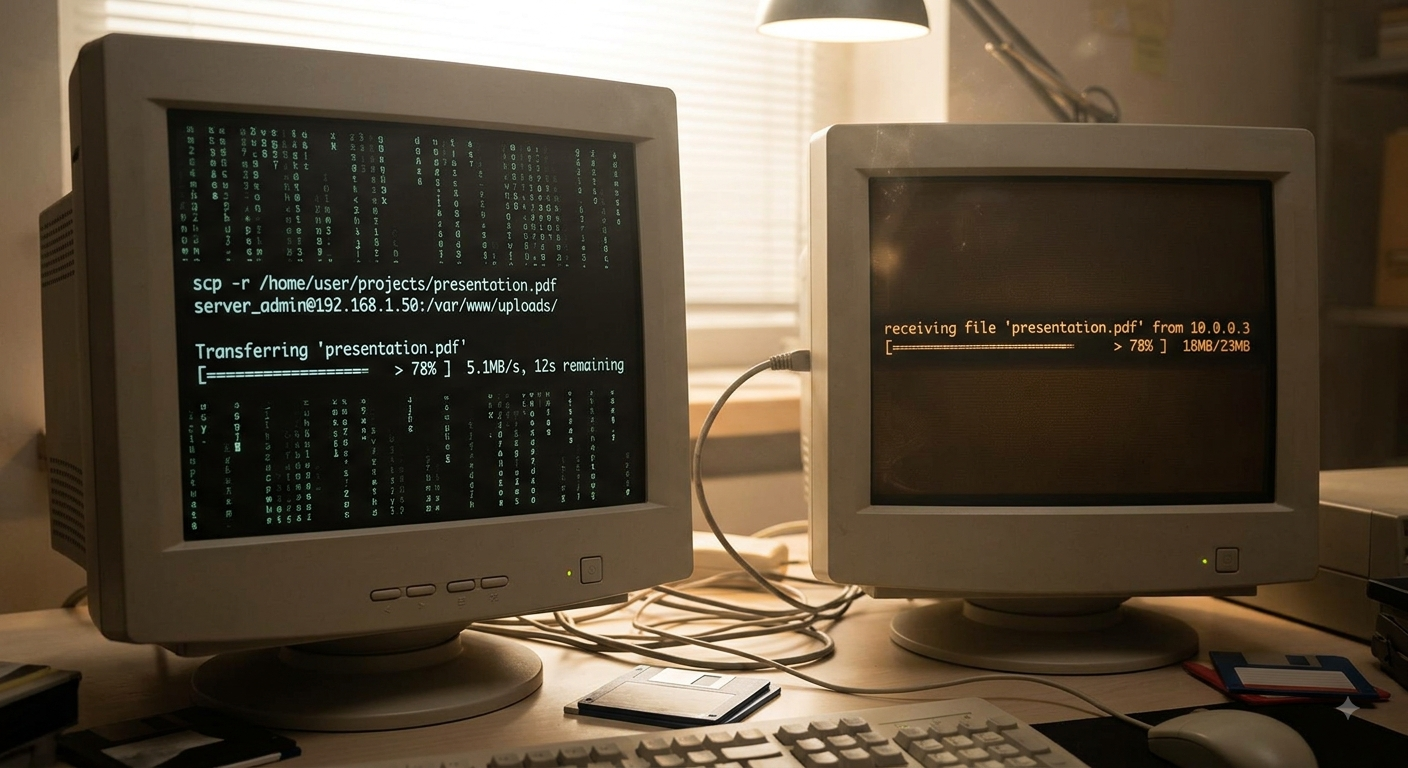
Transfering files in terminal to any computer, made simple with Croc
In the world of developers, productivity often relies on quick data transfer—pasting a configuration file snippet, sharing sensitive keys, or passing command outputs between machines.[…]

Connecting to Your WireGuard VPN in Fedora Terminal: A Quick Guide
WireGuard is a modern, fast, and highly secure solution for building Virtual Private Networks (VPNs). If you’re using Fedora Linux and prefer the power of[…]

How to install Node Version Manager (NVM) on mac
The simplest way to install Node Version Manager on mac is via Homebrew. If you have not already done so you can go here. Once[…]
Oh my zsh plugin must install
In your terminal window install zsh: Next we install ohmyzsh: Then we pull down plugins from GitHub in to zsh plugin directory: autosuggesions plugin zsh-syntax-highlighting[…]
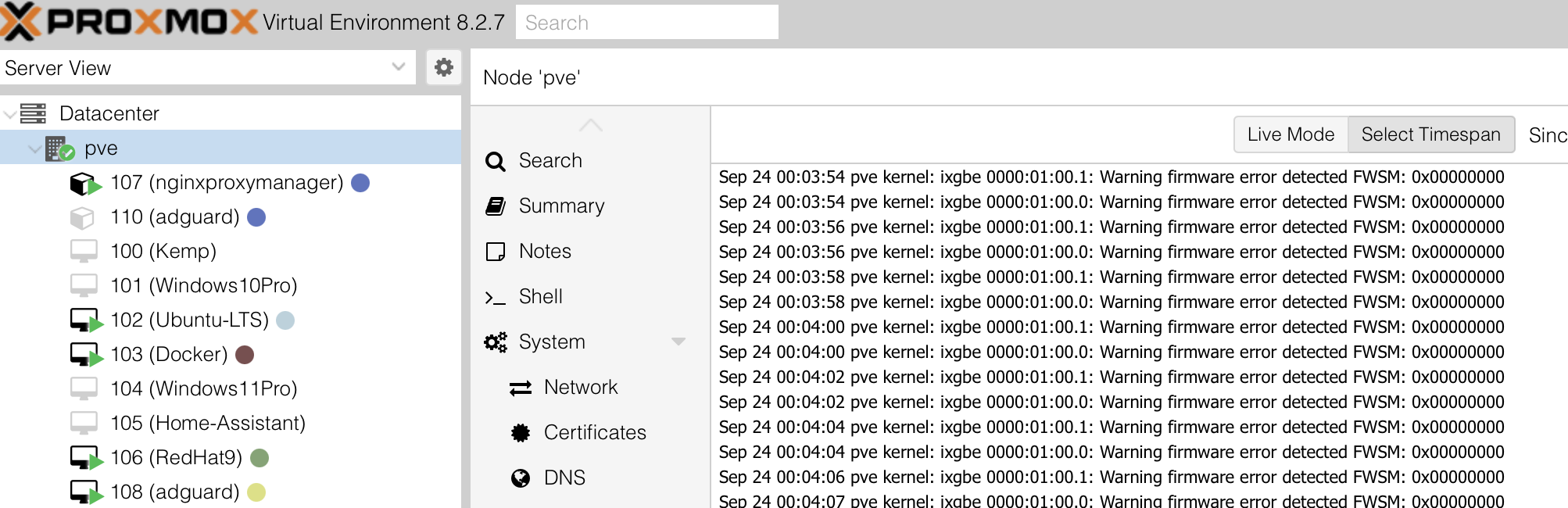
Fixing 10Gb Network Card Log Bloating in Proxmox with a Bash Script
In Proxmox Virtual Environment (PVE), integrating 10Gb network cards can sometimes lead to system logs growing uncontrollably, consuming significant disk space. This issue often arises due[…]

The Quickest Way to Clone SD Cards on a Mac
If you’re working with Raspberry Pis or embedded devices, cloning SD cards is something you’ll eventually need to do—whether for backups or to duplicate a[…]
How to install Nvidia Drivers on Ubuntu 22.04.5
If you’re running Ubuntu 22.04.5 and need to install Nvidia drivers — whether for CUDA workloads, gaming, or GPU acceleration — this step-by-step guide will[…]

How to disk clone drives with only your terminal
This works for mac or Linux base systems. You can do this on window but you may need to install extensions. So you want to[…]
How to Mounting the NFS Share on a Client
First you need to install nfs-common Next you need to create mount directory Finally, to mount when on reboot you need to add the following

How to setup Dynamic DNS with Cloudflare in 21 easy steps
The question is… why would you want a Dynamic Domain Name System (DDNS)? Here are 5 reasons why you would want a DDNS: 1. Dynamic[…]